Published on: Tue 10-Feb-2026 11:08 AM
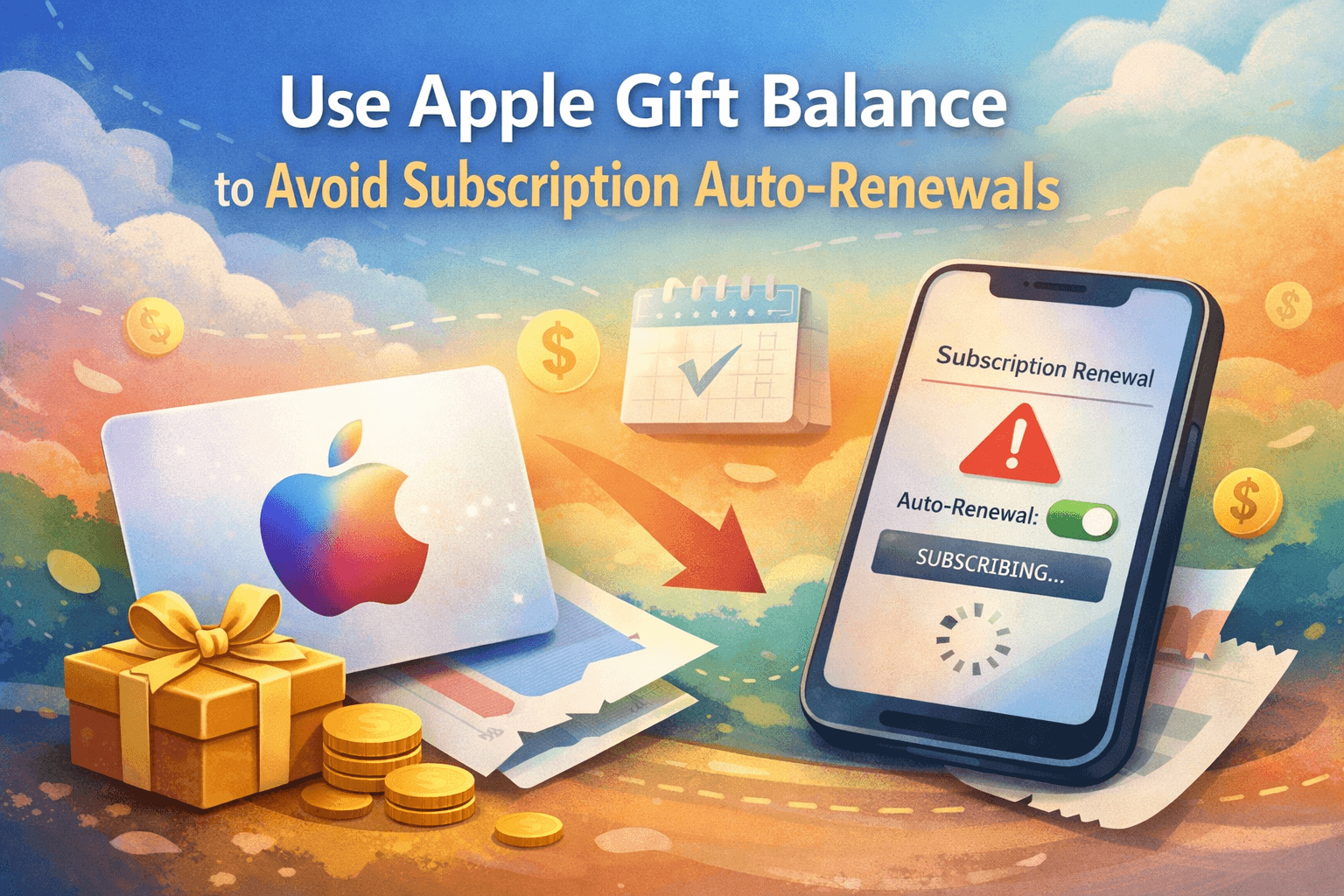
Unexpected subscription charges are one of the most common frustrations for Apple users today. From music and video streaming to cloud storage and gaming passes, auto-renewals often continue quietly in the background—sometimes long after you stop using the service. The good news? You can take back control by using your Apple Gift balance strategically.
If you want a smarter way to manage recurring payments without linking your card, platforms like Gyftwala make it easy to purchase Apple Gift balances securely and on demand. This guide explains how to use your Apple Gift balance to prevent unwanted auto-renewals, save money, and manage subscriptions more responsibly.
According to recent consumer spending data, over 70% of App Store subscriptions renew automatically, and nearly 1 in 3 users forget about at least one active subscription. These small monthly charges add up quickly.
Auto-renewals usually pull funds from:
Once enabled, subscriptions continue until manually cancelled—or until the payment method fails.
This is a major content gap most articles ignore.
Apple follows a payment hierarchy when charging subscriptions:
If your Apple ID balance runs out and no valid payment method is available, the subscription fails to renew instead of charging you unexpectedly.
This is where Apple Gift balances become a powerful control tool.
An Apple Gift balance is prepaid credit added to your Apple ID. You can use it for:
Unlike cards, this balance has fixed limits, meaning subscriptions can only renew if enough funds are available.
Using Apple Gift credit allows you to:
Purchase an Apple Gift card from a trusted platform like Gyftwala and redeem it on your Apple ID.
Once your balance is added, remove your debit or credit card from payment settings or leave no backup method enabled.
Active subscriptions will now renew only if sufficient Apple Gift balance exists.
When your balance reaches zero, Apple automatically stops the renewal—no cancellation required.
Manual cancellation:
Using Apple Gift balance:
This method is especially useful for:
Studies show users who switch to prepaid balances spend 20–25% less annually on subscriptions. Why?
For families and students, this approach is significantly more cost-effective.
This strategy works perfectly if you:
It’s also ideal for users who prefer to buy or bulk buy gift credit during offers or discounts, then use it gradually.
Even smart users make these errors:
Always purchase Apple Gift credit from a secure platform like Gyftwala to avoid invalid codes or delays.
Gyftwala is built for users who want control, speed, and reliability. When you purchase Apple Gift credit through Gyftwala, you get:
Whether you need a small amount or want to bulk buy during an offer period, Gyftwala makes the process seamless.
Advanced users use Apple Gift balances as a budgeting tool, not just a payment method. By planning monthly or quarterly balances, you can:
This proactive approach is rarely discussed—but incredibly effective.
Auto-renewing subscriptions aren’t inherently bad—but losing control over them is. By switching to Apple Gift balance payments, you gain clarity, flexibility, and peace of mind. No surprise charges, no card dependency, and no constant subscription management.
It’s one of the simplest yet most powerful ways to take control of your Apple spending.
If you want a safe and flexible way to manage subscriptions without unwanted auto-renewals, start with a trusted source.
👉 Buy Apple Gift credit securely from Gyftwala today
Visit https://www.Gyftwala.com/
Control your balance. Control your subscriptions. Control your spending.

Poppo Live Recharge Guide 2026: Get Bonus Coins, Save Money & Top Up Securely

The Ultimate Roblox & Robux Guide: Playing, Downloading, Pricing, and Gift Cards Explained

Best Online Games on Steam: Buy, Play & Save More

How To Start 1v1 Video Calls On Chamet

Marvel Rivals Lattices Top Up at 10% Discount
Digital or Physical Robux Gift Cards: Which One Should You Choose?

How to Use StarMaker: Beginner's Guide & Coin Recharge Tips

SUGO Coin Recharge Guide 2026: How to Buy & Top Up Coins Instantly

How to Get Cheap Chamet Diamonds in 2026 — Free Methods + Recharge Comparison

Buy Marvel Rivals Credits Online Cheap – Fast & Secure Top-Up
