Published on: Thu 12-Feb-2026 12:04 PM
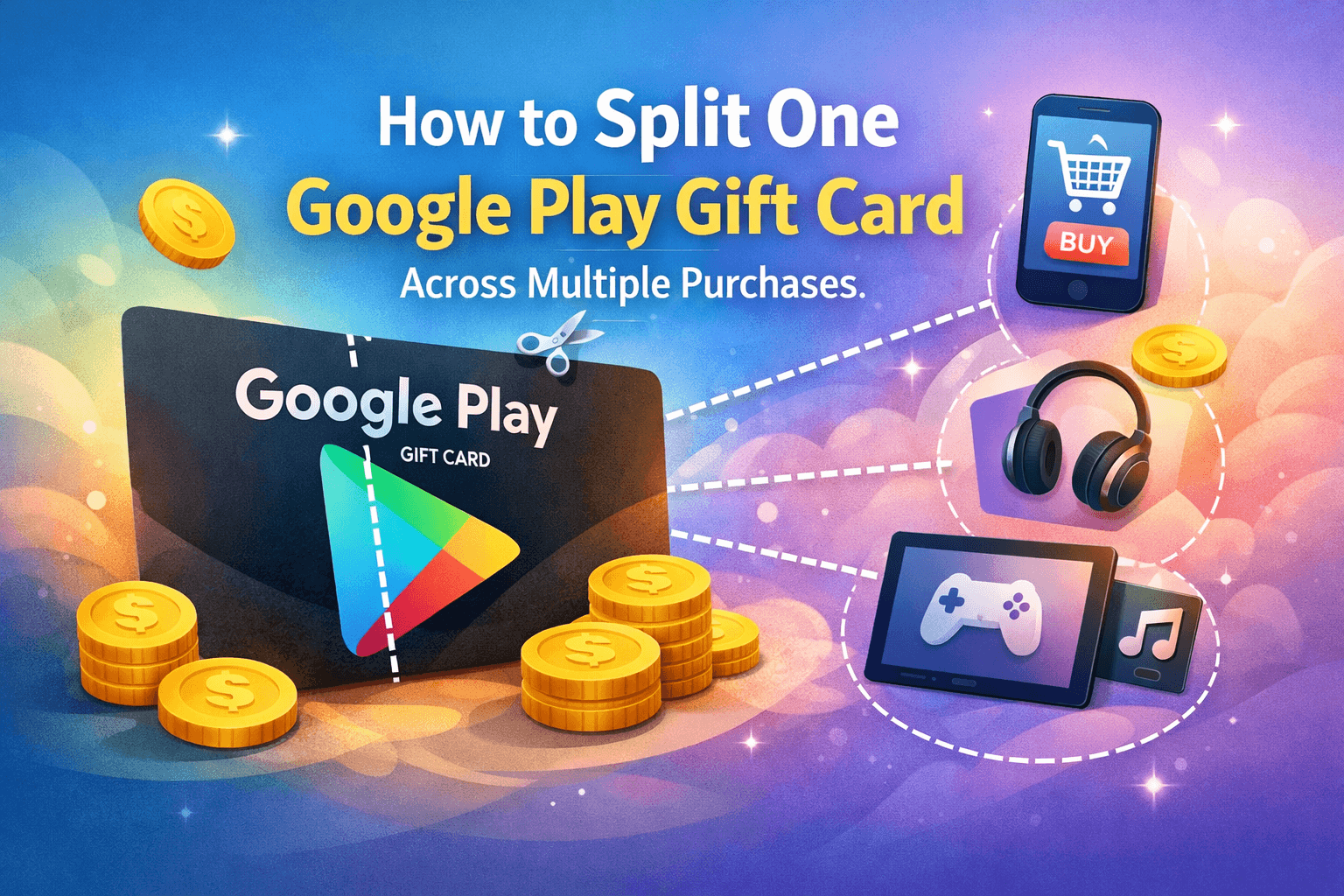
In a world where digital entertainment, apps, and subscriptions are part of everyday life, smart spending matters more than ever. If you’ve ever wondered whether a single gift card can cover multiple app purchases, game upgrades, or subscriptions without wasting balance, you’re in the right place. This guide breaks down exactly how to split one Google Play Gift Card across multiple purchases, while also showing you how to buy safely, save more, and get maximum value—especially when purchasing from trusted platforms like Gyftwala.
Let’s clear a common misconception right away. You’re not physically dividing a card into parts. Instead, splitting means using the balance from one Google Play Gift Card for multiple transactions over time.
Once redeemed, the full value is added to your Google Play balance. From there, Google automatically deducts the required amount every time you make a purchase—whether it’s ₹50 for an app, ₹199 for a subscription, or ₹499 for in-game currency.
Key fact: Google Play does not force you to spend the entire balance at once.
After redemption, your gift card amount sits securely in your Google account and can be used across:
According to Google Play usage data, over 70% of users spend their balance across 3 or more transactions, making gift cards one of the most flexible digital payment options available today.
Start by purchasing a verified Google Play Gift Card from a reliable platform. Many users in India prefer Gyftwala because it offers instant delivery, secure checkout, and frequent discounts—especially when you bulk buy or shop during festive offers.
Open the Google Play Store → tap your profile → Payments & subscriptions → Redeem code. Once redeemed, the entire amount is stored as balance.
Each time you buy something, Google deducts only the exact amount required. Your remaining balance stays intact for future use.
You can check your balance anytime inside the Play Store. This helps avoid failed payments and lets you plan purchases better.
Yes—and this is where many top-ranked articles miss details.
A single Google Play Gift Card balance can be used simultaneously for subscriptions and one-time purchases. For example:
Google automatically prioritises your gift card balance before charging any linked payment method.
If your balance is lower than the purchase amount:
This makes splitting extremely efficient, especially if you’re managing small leftover amounts.
Stat insight: Nearly 40% of users combine gift card balance with UPI or cards to avoid abandoning purchases.
Platforms like Gyftwala regularly run seasonal deals where you can purchase gift cards at discounted rates, instantly increasing your value.
Apps, games, and subscriptions are ideal because they allow gradual spending.
A redeemed balance is tied to one Google account only and cannot be transferred.
If you’re a frequent user, bulk buy during sales and stack balances in a single account for smoother spending.
Covering these mistakes is a major content gap many articles overlook—and fixing them alone can save users real money.
With years of experience in the e-gift card market, Gyftwala has become a preferred destination for Indian users looking to buy safely and smartly.
Here’s why buyers trust the platform:
Whether you’re topping up once or planning long-term app spending, buying from a trusted source matters.
Absolutely. Google’s payment infrastructure is built to handle partial deductions securely. Your balance remains protected, and every transaction is logged in your account history.
Security tip: Never share your redemption code or screenshots of your balance.
Splitting one Google Play Gift Card across multiple purchases is not just possible—it’s one of the smartest ways to manage digital spending. With proper planning, balance tracking, and the right purchase platform, you can stretch every rupee and avoid unnecessary expenses.
Instead of rushing to spend everything at once, use your balance strategically across apps, games, and subscriptions you truly enjoy.
If you’re planning to purchase a Google Play Gift Card today, don’t settle for unreliable sources or missed deals.
Head over to Gyftwala to buy securely, unlock exciting offers, and enjoy instant delivery. Whether it’s a single card or a bulk buy, Gyftwala helps you spend smarter—every time.
Visit gyftwala.com and power up your Google Play experience today.
Google Play Gift Card (USD) Benefits: Instant Top-Ups Across Multiple Apps & Games

Chamet Diamonds Top-Up Guide: Boost Your Live Gifts and Ranking
Honkai Star Rail Top-Up FAQ: Common Questions on UID and Payments India

Google Play (USD) Gift Card Best Deals: Compare Prices with UPI Discounts
Everything About Poppo Live Coins (Global) Top-Up Rates and Safe Methods

Steam Wallet Gift Cards Benefits: Unlimited PC Games and DLC Access

Unlock Epic Skins: Benefits of Moba Legends Diamonds Top-Up in 2026

How To Purchase Chamet Live Diamonds for Video Calls Via UPI

Genshin Impact Top-Up Benefits: Faster Progression with Secure Vouchers

How To Use Genshin Impact Top-Up for Resin Refills
