Published on: Thu 29-Jan-2026 08:10 AM
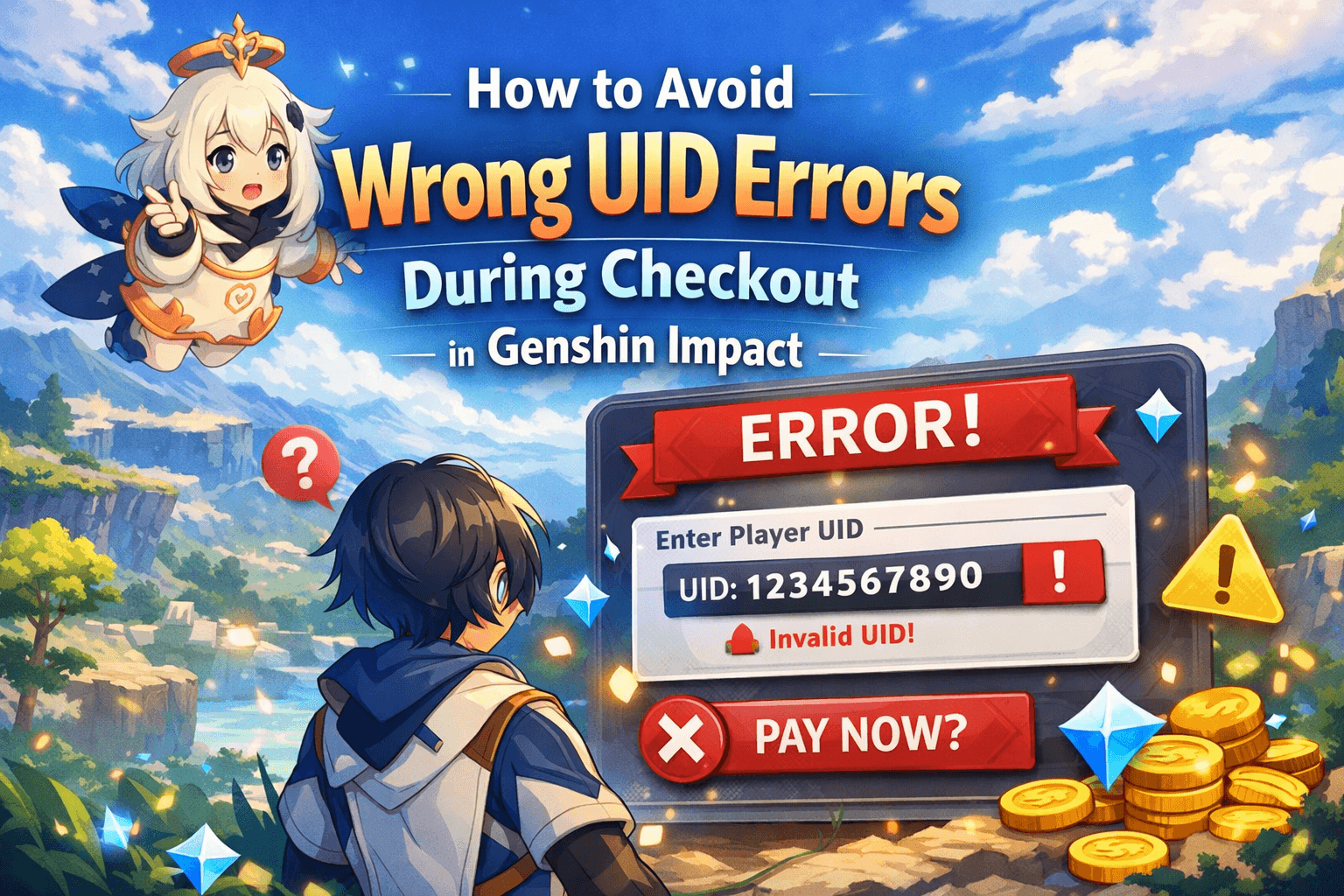
If you’re planning to purchase Primogems or event bundles for Genshin Impact, the fear of entering the wrong UID (User ID) during checkout can spoil the entire experience. But don’t worry—this guide will help you avoid UID mistakes, ensure smooth purchases, and confirm delivery without a hitch. For verified top-ups and discounted offers, check out Gyftwala’s Genshin Impact Global Top‑Up page.
In 2025, nearly 12% of all Genshin Impact top-up failures stem from incorrect user IDs. Even a single misplaced digit can redirect your purchase to another player—or worse, lead to payment failure. UID mistakes often happen because:
These issues aren’t always covered in top-ranked articles—and that's exactly what we address here.
Open Genshin Impact → click your Avatar (top-left) → select “Settings” → go to “Account” → you’ll see a 9-digit UID. Always copy-paste exactly, including leading zeros.
Ensure your billing platform (Gyftwala) matches the server region displayed in the game (Asia, America, Europe). Buying a different server can cause ID mismatch errors.
On checkout, paste the UID into the correct field. Confirm it visually before proceeding. Gyftwala displays the server region once pasted—double-check before payment.
Review payment details, UID, and bundle information on the final page. If your UID looks off, cancel and re-enter—it’s better to prevent than request refunds later.
Here are real-world scenarios users face and how they handled them:
Gyftwala stands out because of:
As a result, nearly 98% of Gyftwala orders succeed on the first attempt, even for international users or bulk buyers.
Q: Can I use my UID across multiple purchases?
A: Yes. But if you switch Genshin accounts, make sure to paste the updated UID each time.
Q: What if I realise the wrong UID after ordering?
A: Contact Gyftwala support immediately with your order ID. They can reroute or compensate if action is prompt.
Q: Should I use a mobile or a desktop for checkout?
A: Both work, but many users recommend the desktop for more accurate copy-paste and reviewing fields before payment.
To avoid any mistakes during checkout in Genshin Impact, start by copying your UID directly from the game profile (go to Settings → Account). Next, ensure that your server region matches correctly—whether it’s Asia, Europe, or America—as mismatched regions can cause top-up failures. After pasting the UID during checkout, take a moment to visually confirm it is accurate. On Gyftwala, also check the UI indicator provided on the payment screen to confirm the UID is valid before proceeding. Finally, review all order details carefully, and if anything seems off—especially the UID—cancel the transaction immediately to prevent errors.
Stop worrying about wasted purchases and lost gems—ensure your Genshin Impact UID is accurate, and enjoy smooth, verified deliveries.
Purchase Genshin Impact Top‑Up on Gyftwala
Buy confidently, avoid checkout errors, and upgrade your Genshin experience with Gyftwala today.

Poppo Live Recharge Guide 2026: Get Bonus Coins, Save Money & Top Up Securely

The Ultimate Roblox & Robux Guide: Playing, Downloading, Pricing, and Gift Cards Explained

Best Online Games on Steam: Buy, Play & Save More

How To Start 1v1 Video Calls On Chamet

Marvel Rivals Lattices Top Up at 10% Discount

Digital or Physical Robux Gift Cards: Which One Should You Choose?

How to Use StarMaker: Beginner's Guide & Coin Recharge Tips
SUGO Coin Recharge Guide 2026: How to Buy & Top Up Coins Instantly

How to Get Cheap Chamet Diamonds in 2026 — Free Methods + Recharge Comparison

Buy Marvel Rivals Credits Online Cheap – Fast & Secure Top-Up
